

Try dukanwise in your browser
The live demo is a real shop with real screens. Sign in with the login below and try anything.
Open the live demo demo.dukanwise.com
Demo login
Shop owner
- Username
owner- Password
password
The demo is shared with everyone who visits, so please don't enter real customer data.
Things to try
- 1Open the demo and sign in as the shop owner.
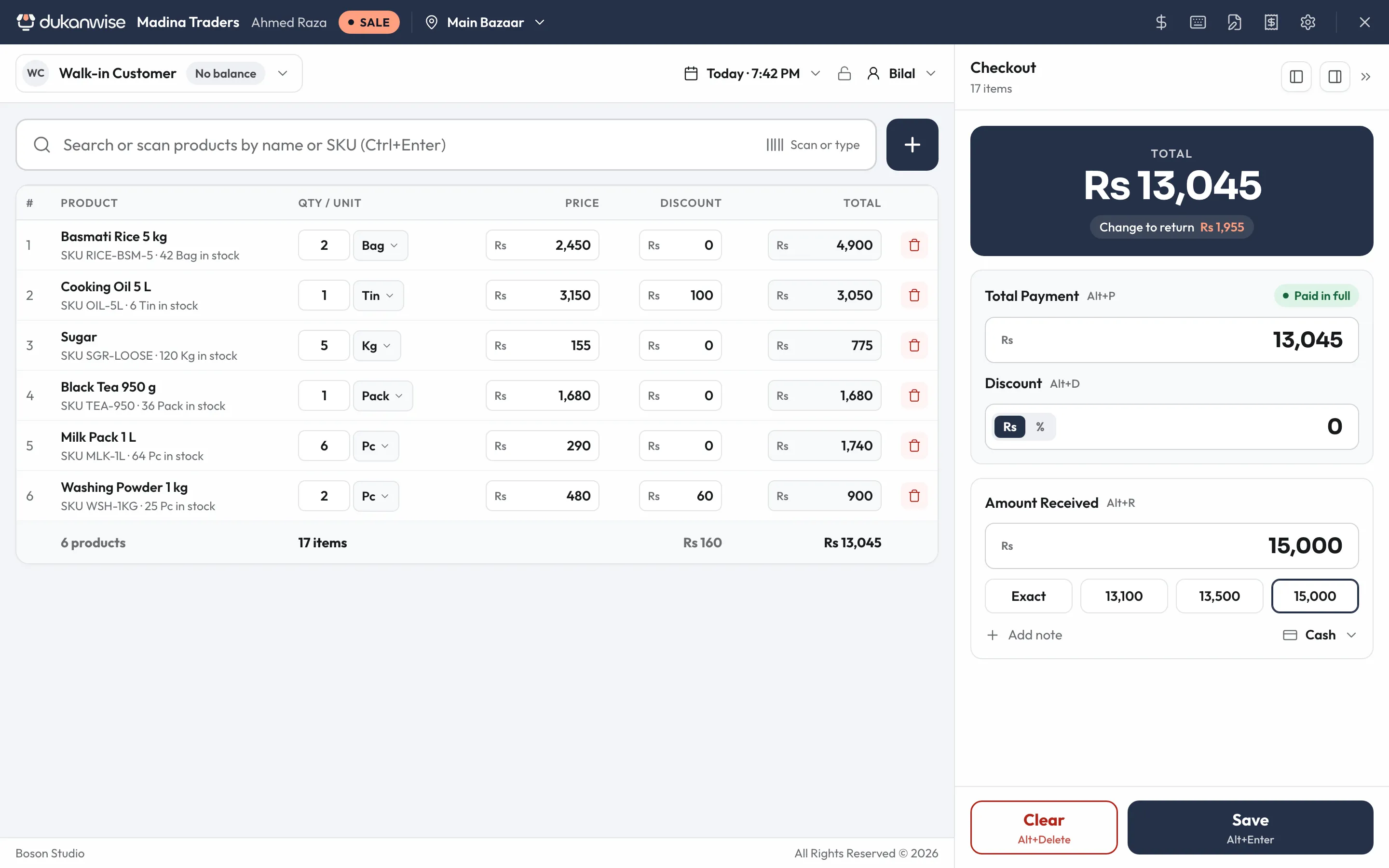
- 2Press POS, then search for a product or scan a barcode.
- 3Pick a customer and save the sale on udhaar.
- 4Open Customers and see their balance go up.
- 5Go back to the dashboard and look at today's numbers.
Ready for your own shop?
Tell us about your shop. We'll call you, set everything up and send you the logins.